Appearance
Page property window
In the property window all properties of the selected element can be configured. 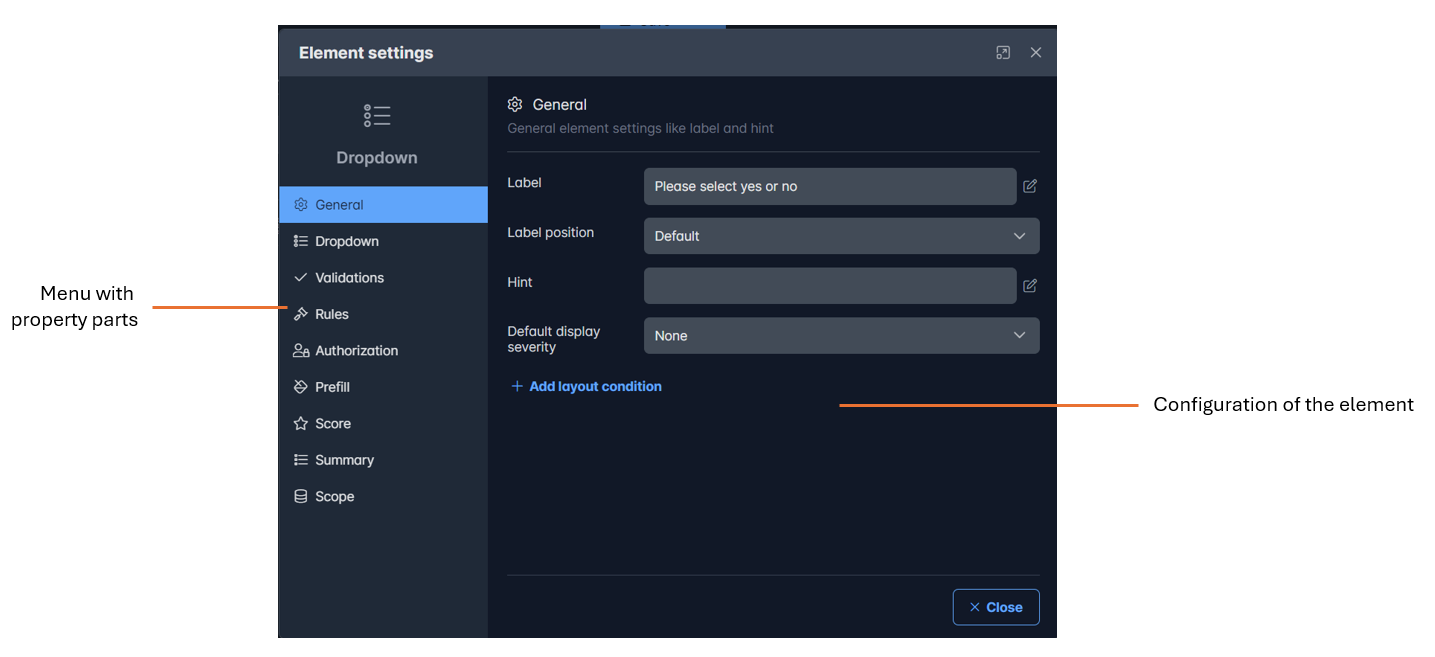
The menu options are as follows
| Menu item | Description |
|---|---|
| General | The general settings of the element |
| Dropdown | The settings for the specific element type like Dropdown, Input text, Slider etc. |
| Validations | Settings how to validate this element |
| Rules | Rules when this element is valid or not |
| Authorization | Who can edit of only read the value of this element |
| Prefill | The default value |
| Score | Configuration of the score settings like weight en score values |
| Summary | Configuration for adding the answer to the summary |
| Scope | Using data scopes for auto filtering data |
Note
The menu items may differ per type of element