Appearance
Release notes - 3 October 2024
New features
Views
The views option allows pages to be presented in multiple layout forms. This allows the same page to be presented in a different way and with limited information, for example for roles or applications. A view can be applied to tables (the click actions), buttons, tasks and toutings.
The option can be configured in the page toolbar, Extra > Views.
Table filters
It is now possible to manually select the filters for the table. The option can be configured in the element properties, filter tab 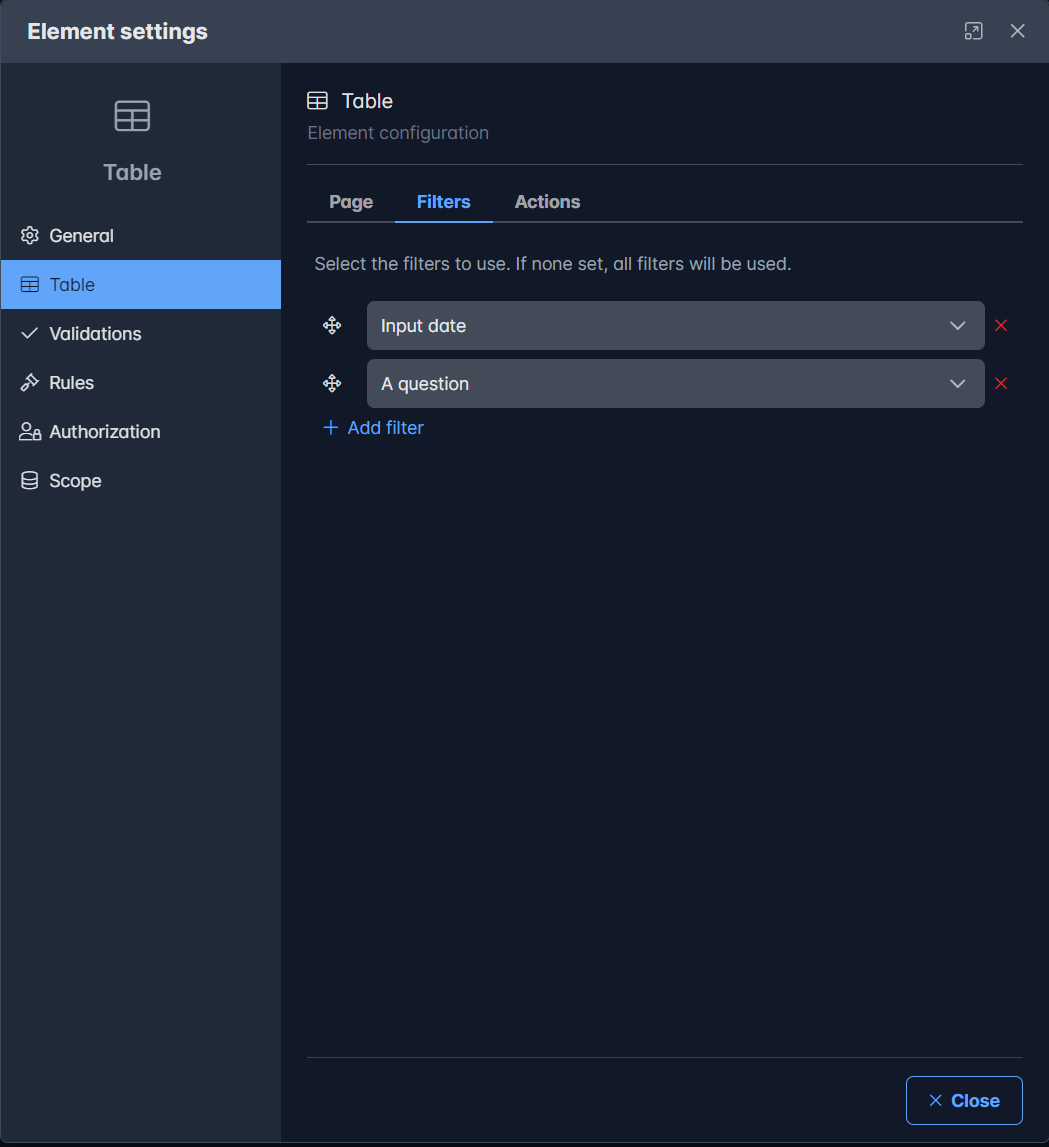
Table actions
It is now possible to manually compose the actions for a table when the row is clicked. Additional actions can also be added to the table row. These are still placed at the end of the table row
The option can be configured in the element properties, actions tab 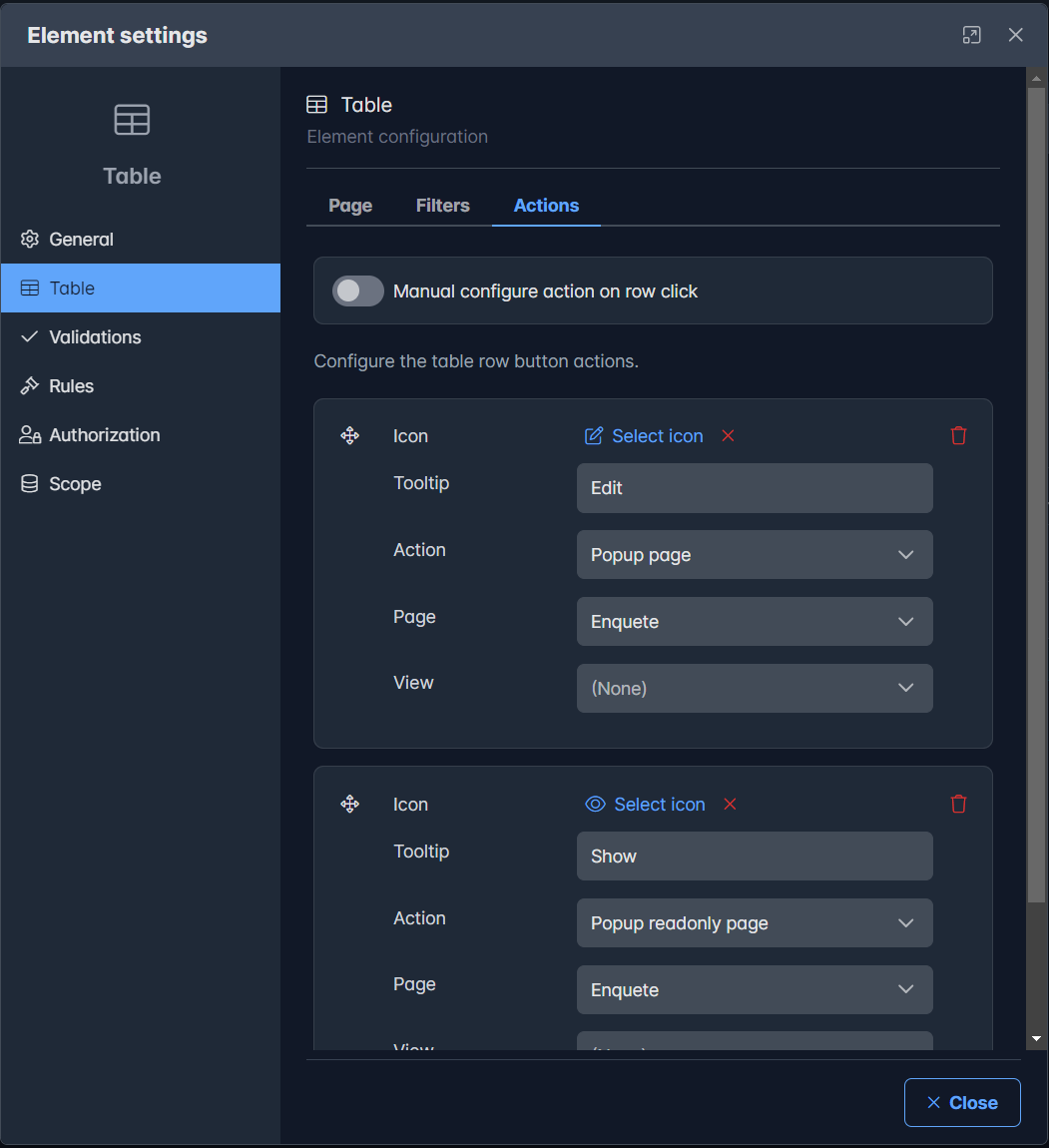
Prefill text elements
A prefill option is added to prefill a text element from data from another element. This is a one time action for now.
The option can be configured in the text element properties, menu Prefill 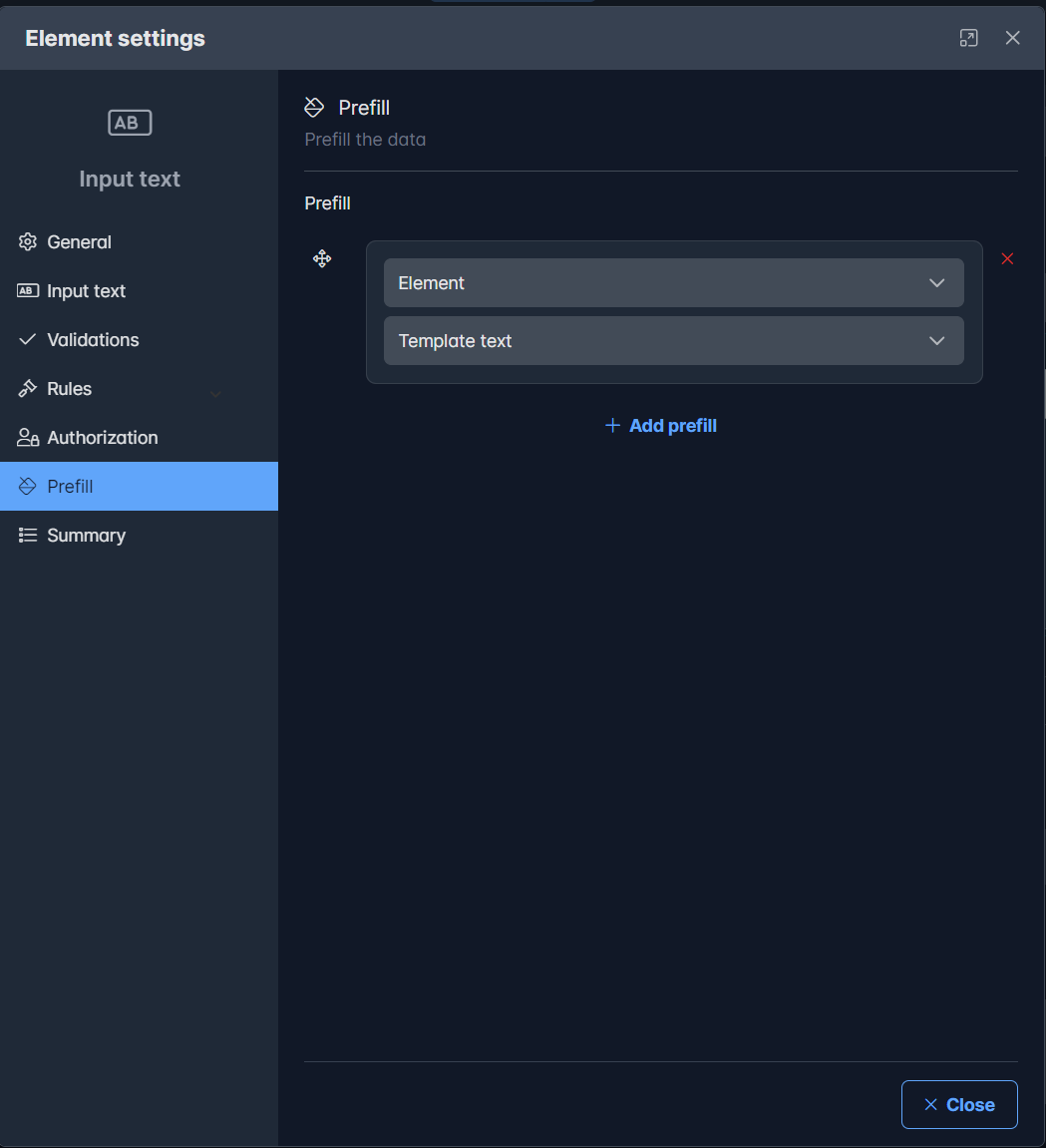
Image element sources
A source has been added to the image element so that images can show images from a URL or an attachment field in addition to the fixed images.
The option can be configured in the image element properties 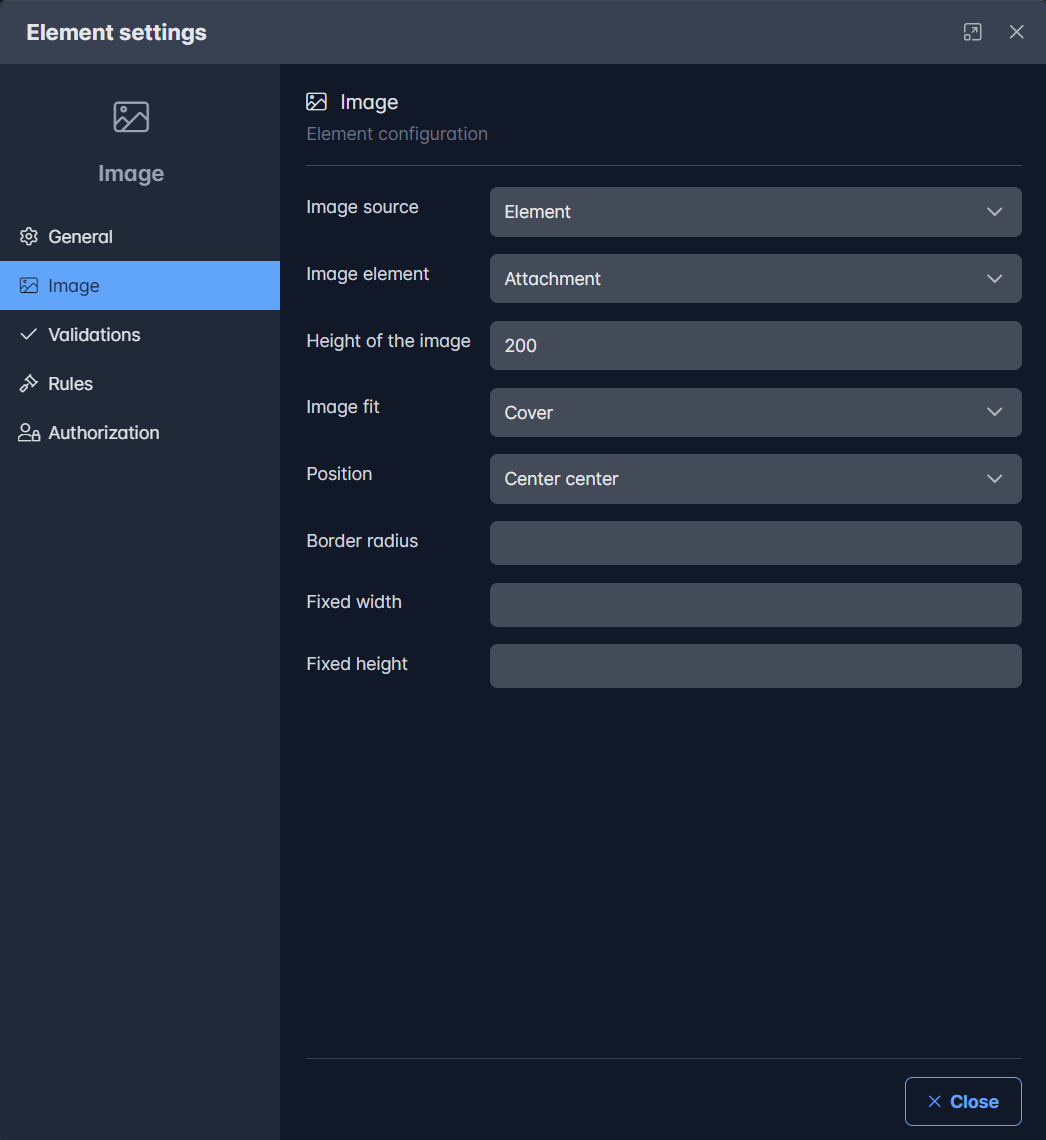
Document generation
Document generation supports now multiple documents depending on rules. This allows you to link multiple document fragments based on rules.
Solved issues
Several known issues are solved.
| # | Issue |
|---|---|
| #30 | Sometimes duplicate definitions in page components such as list, view etc. |
More detailed information will follow in the next release notes.