Appearance
Release notes - 23 October 2024
New features
Added: Customizable portals
The portals in Icadot have been improved so that you have more control over them. Menu items can be configured on both the top navigation and the side navigation. Layout options have also been added so that you can indicate how it should be presented.
Multiple portals can be created and linked to a url via routes. Icadot detects whether users need to log in. If so, a log in button appears.
Portals can be used for both logged in and anonymous users.
General 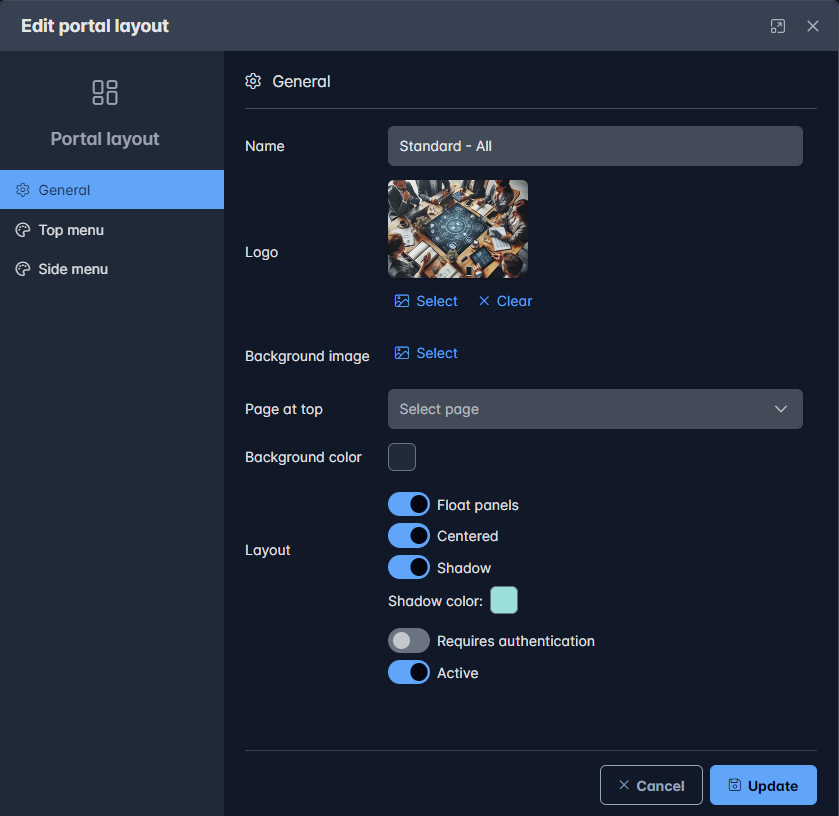 In the general section you can configure how the portal should be presented
Top and sidemenu configurations 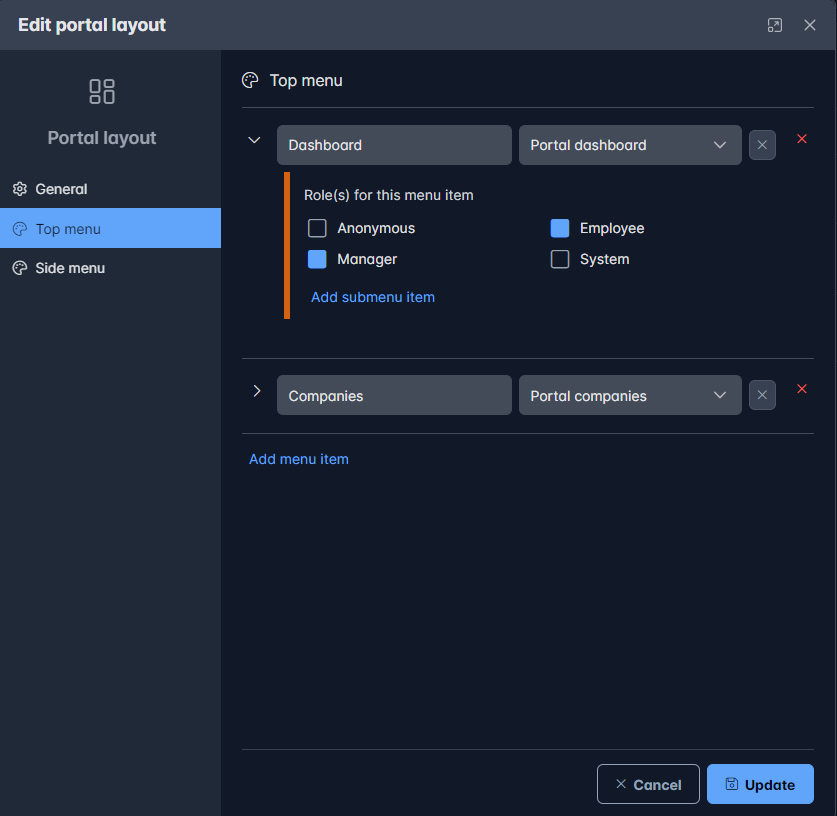 Menu items can be added and optionally assigned a role. The user must have that role to use the selected menu. Each menu item can have submenu items.
Some examples
Route like a page 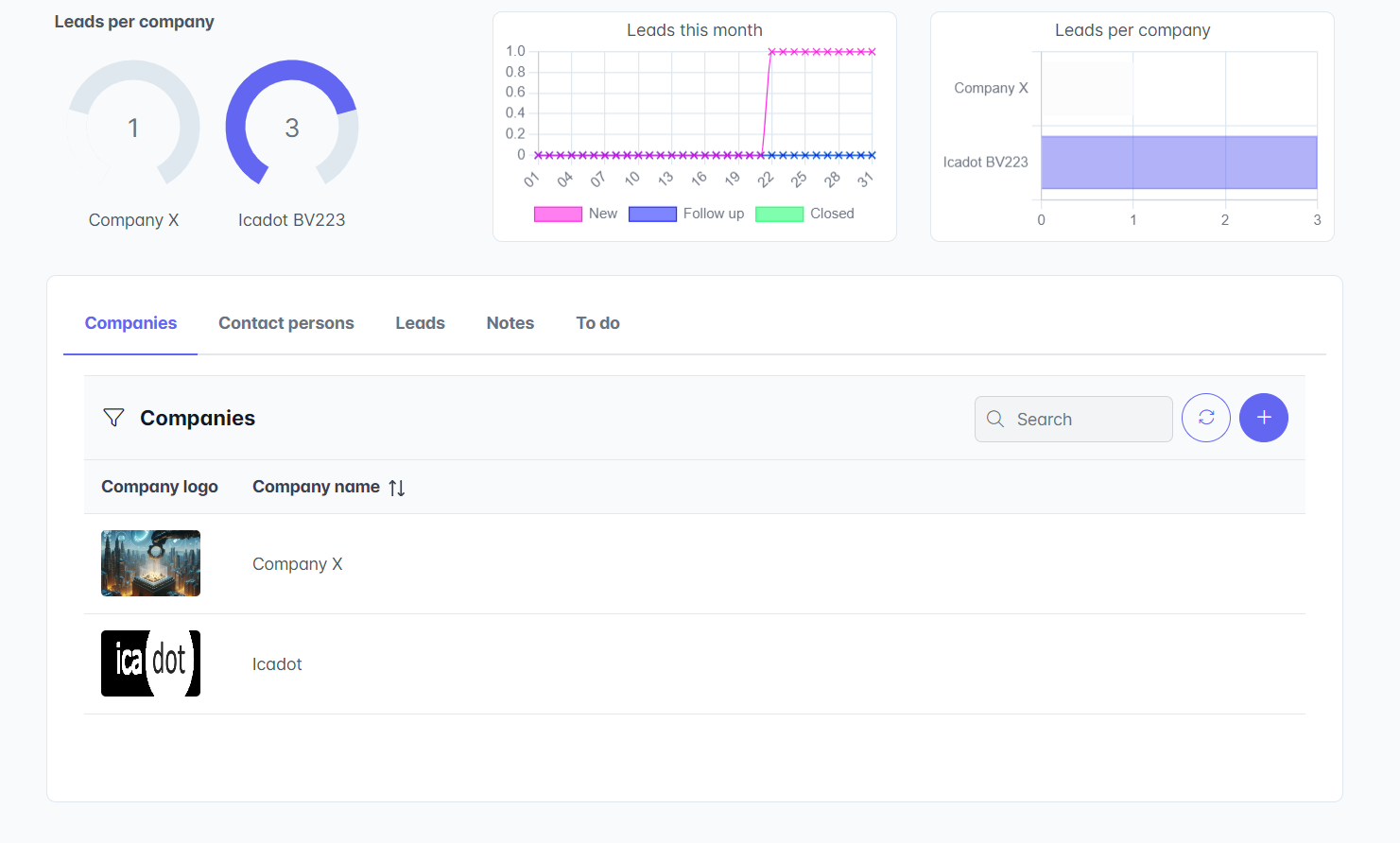
Portal with topbar navigation 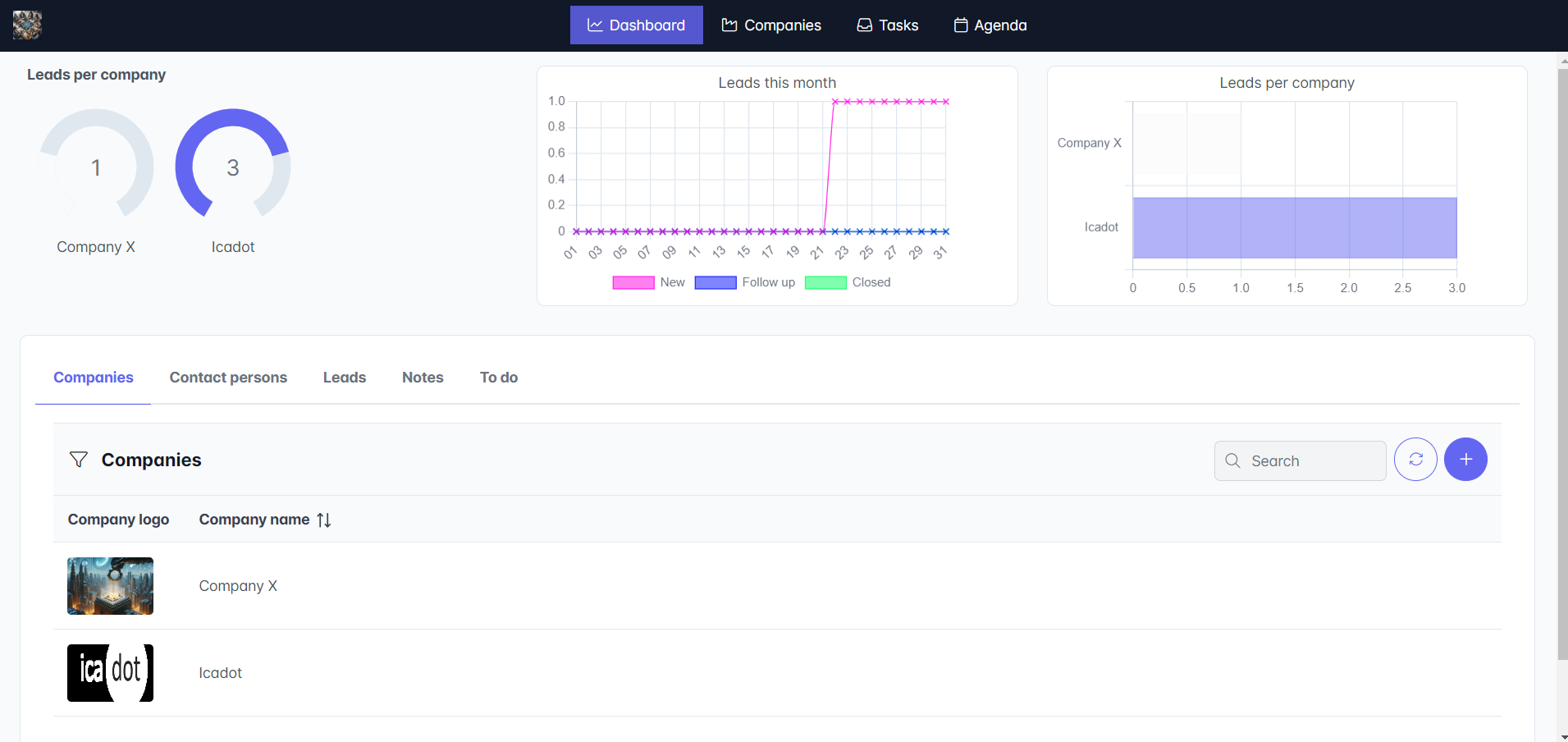
Portal with sidebar navigation 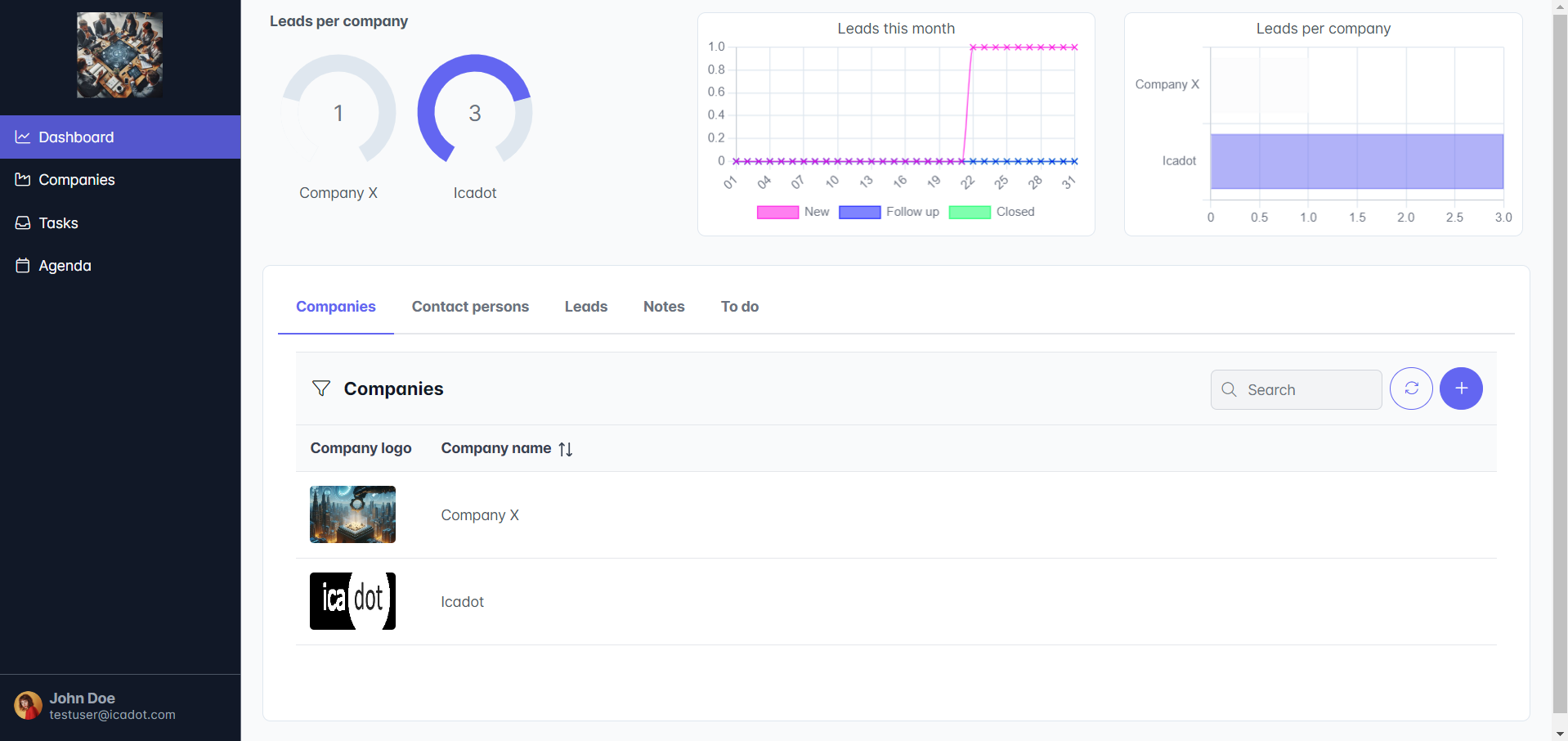
Portal with side and top navigation 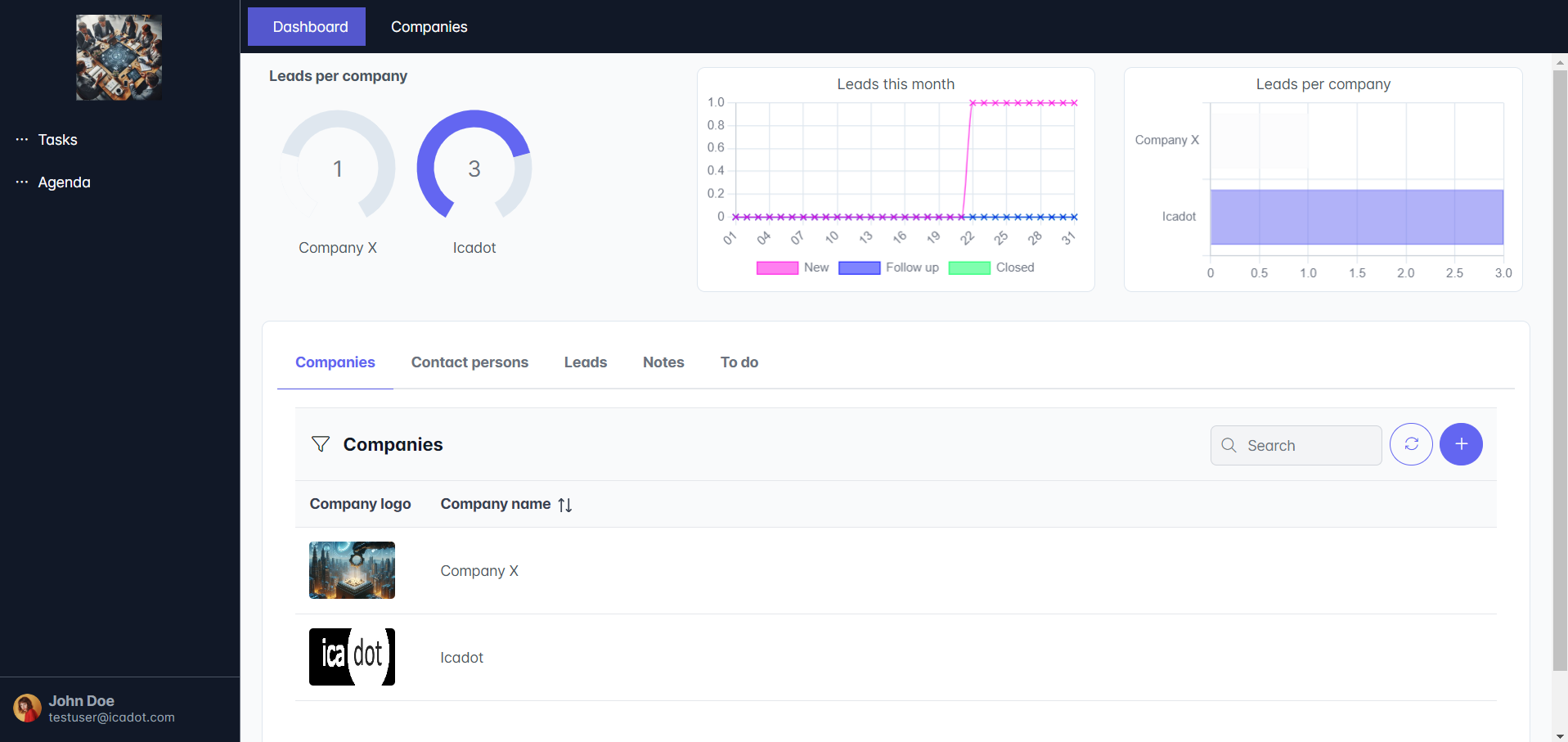
Layout examples
Centered topbar 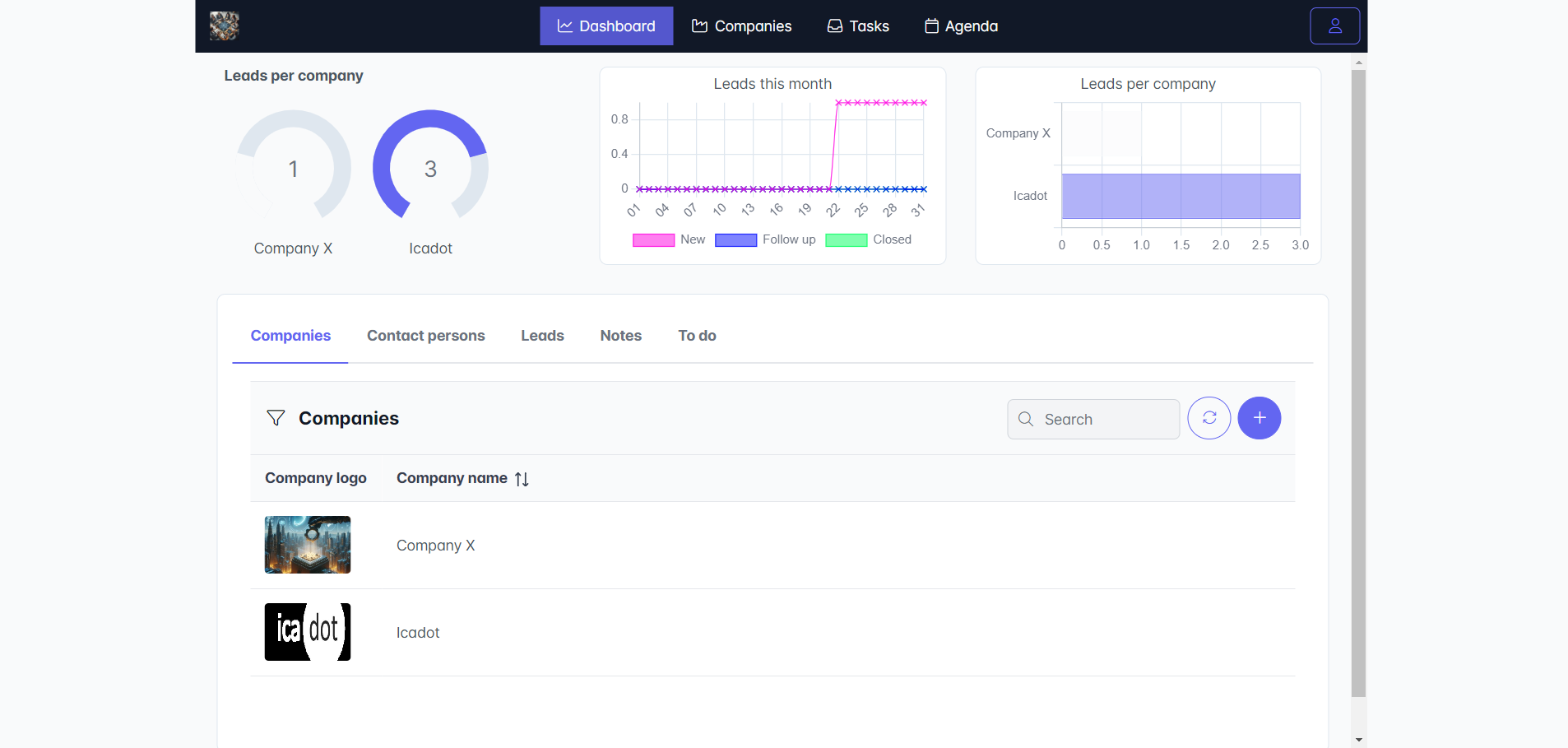
Centered floating topbar 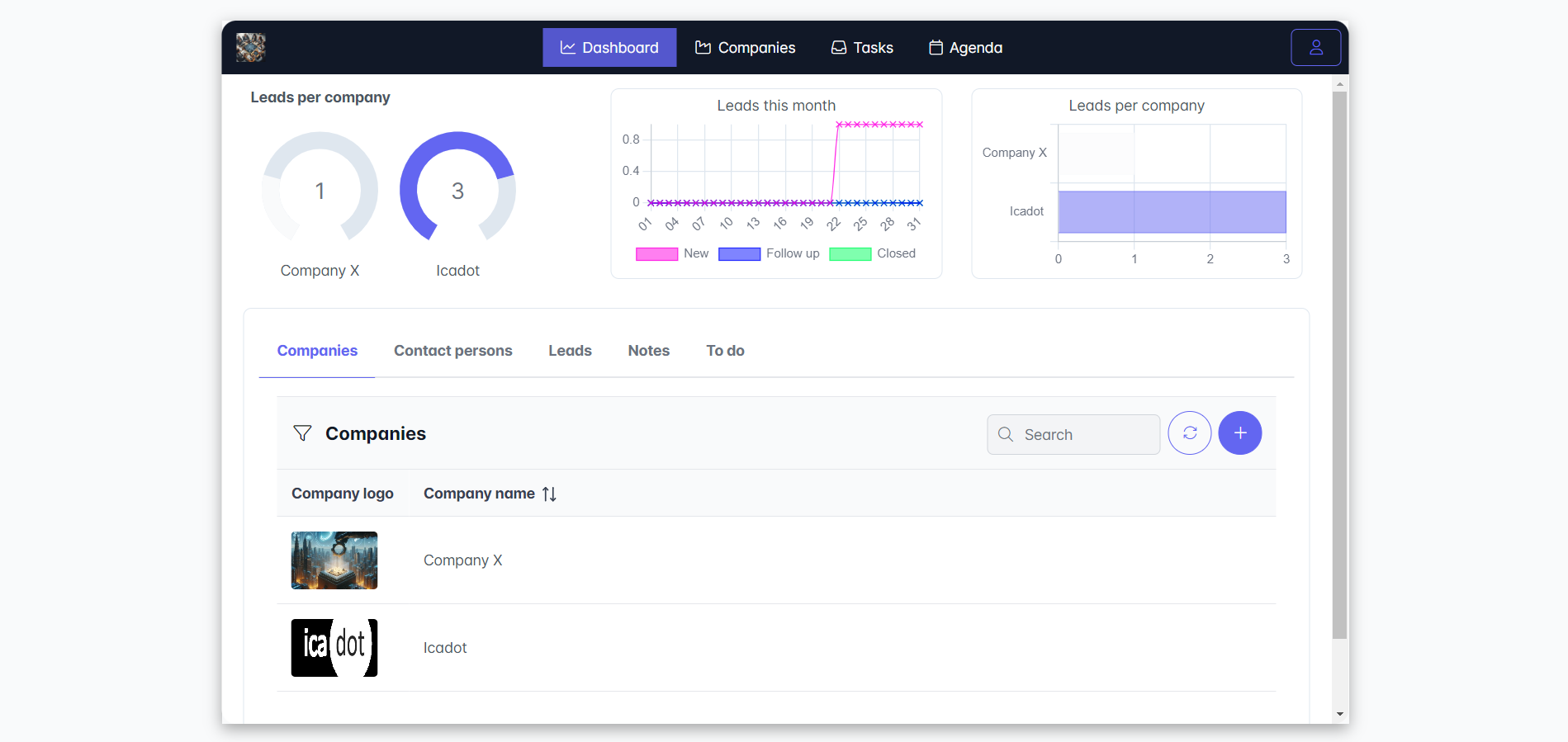
Centered floating topbar with background image 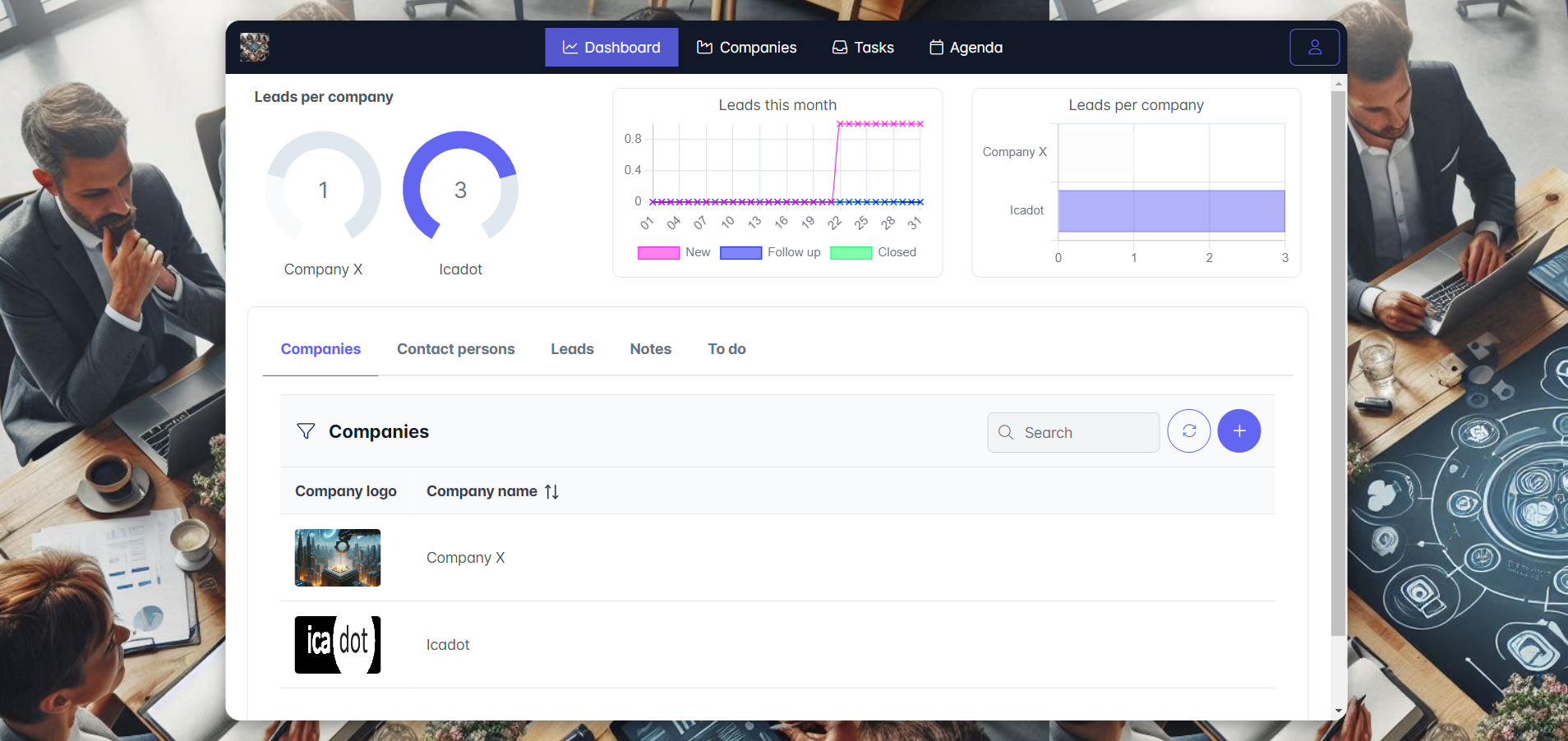
Centered floating topbar with background color and shadow 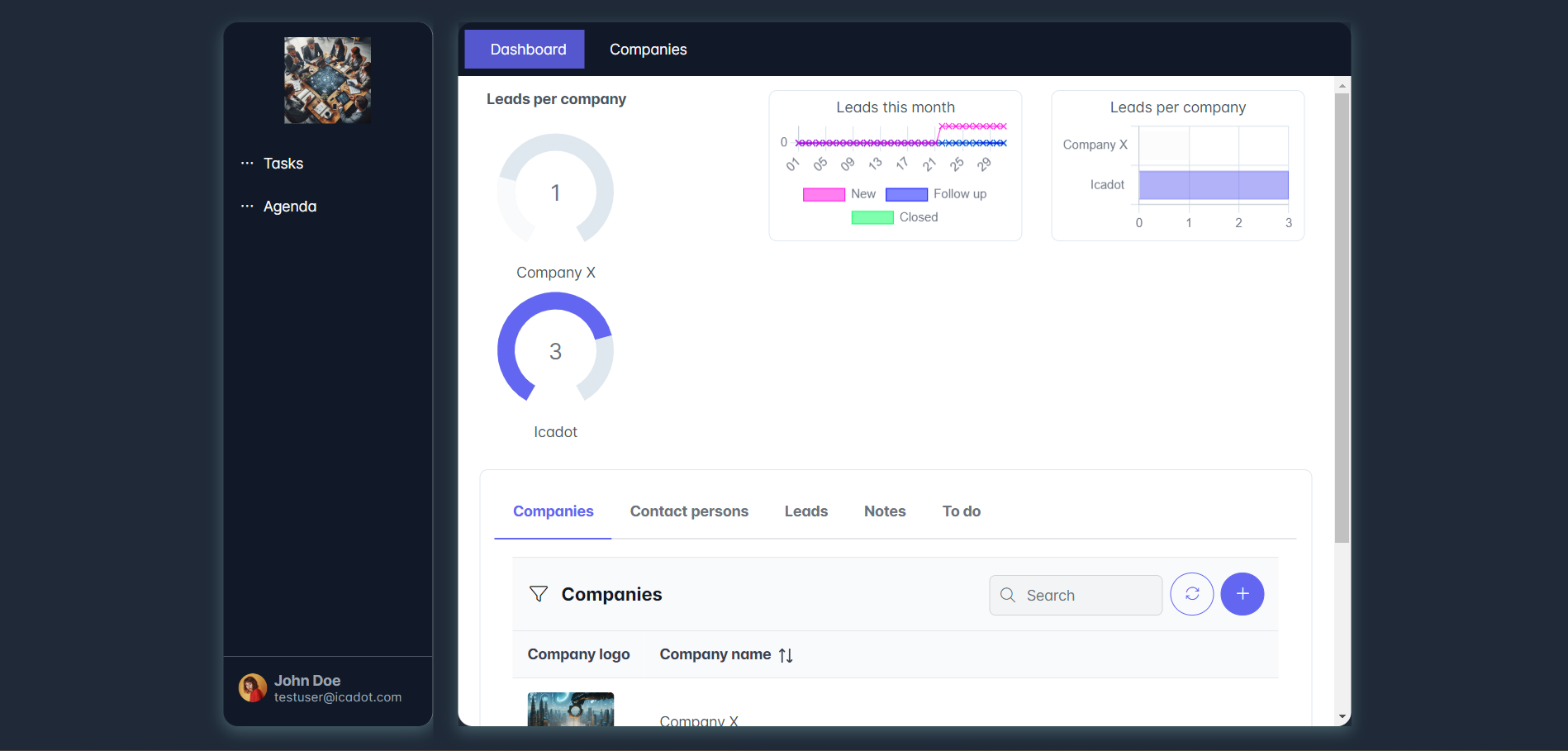
// Only floated Floating panels 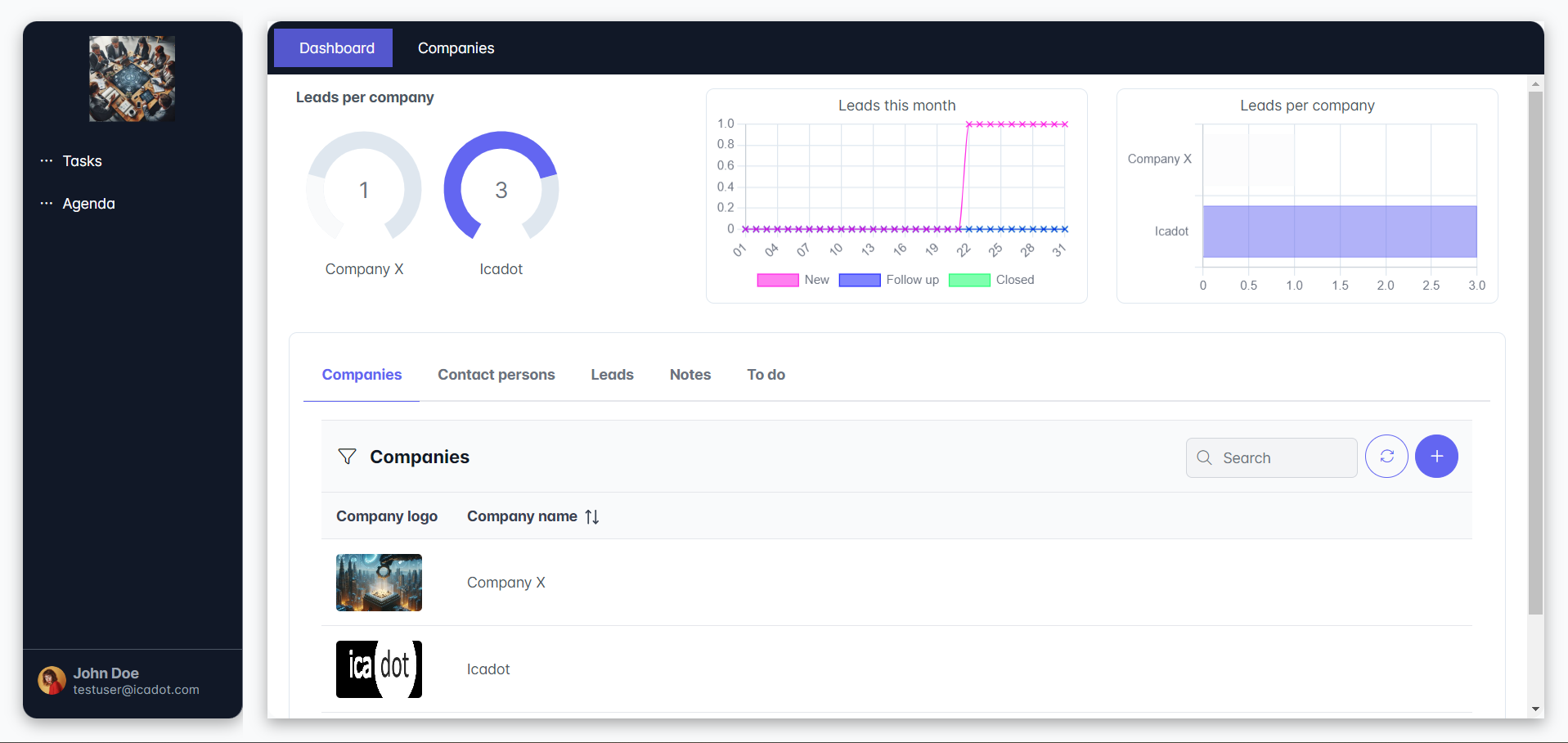
Added: Color creator for themes
Added: Creating color variants based on a main color.
Select a color at the top, click on the brush and the color variants will be created 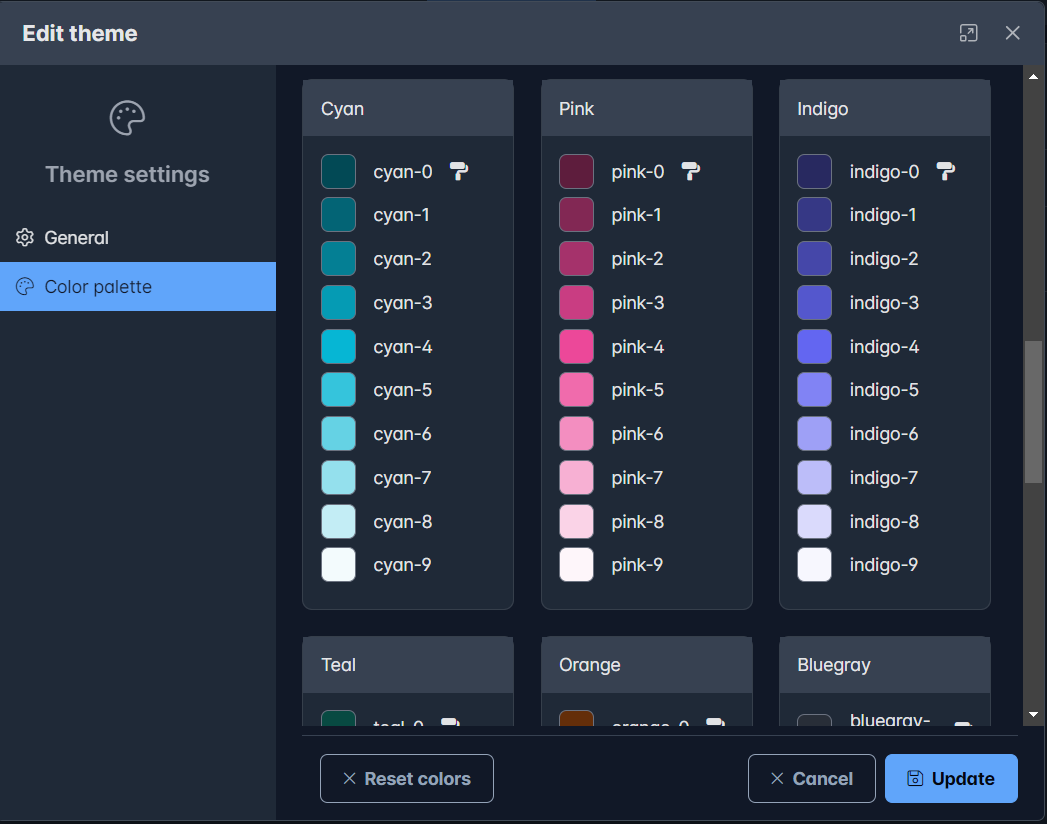
Solved issues
Several known issues are solved.