Appearance
Release notes - August 28, 2025
New - Gallery of images for attahment element
A new option has been added to the attachment element: Show as Gallery. With this option, uploaded documents can also be viewed in a gallery layout, similar to the read-only editing view. 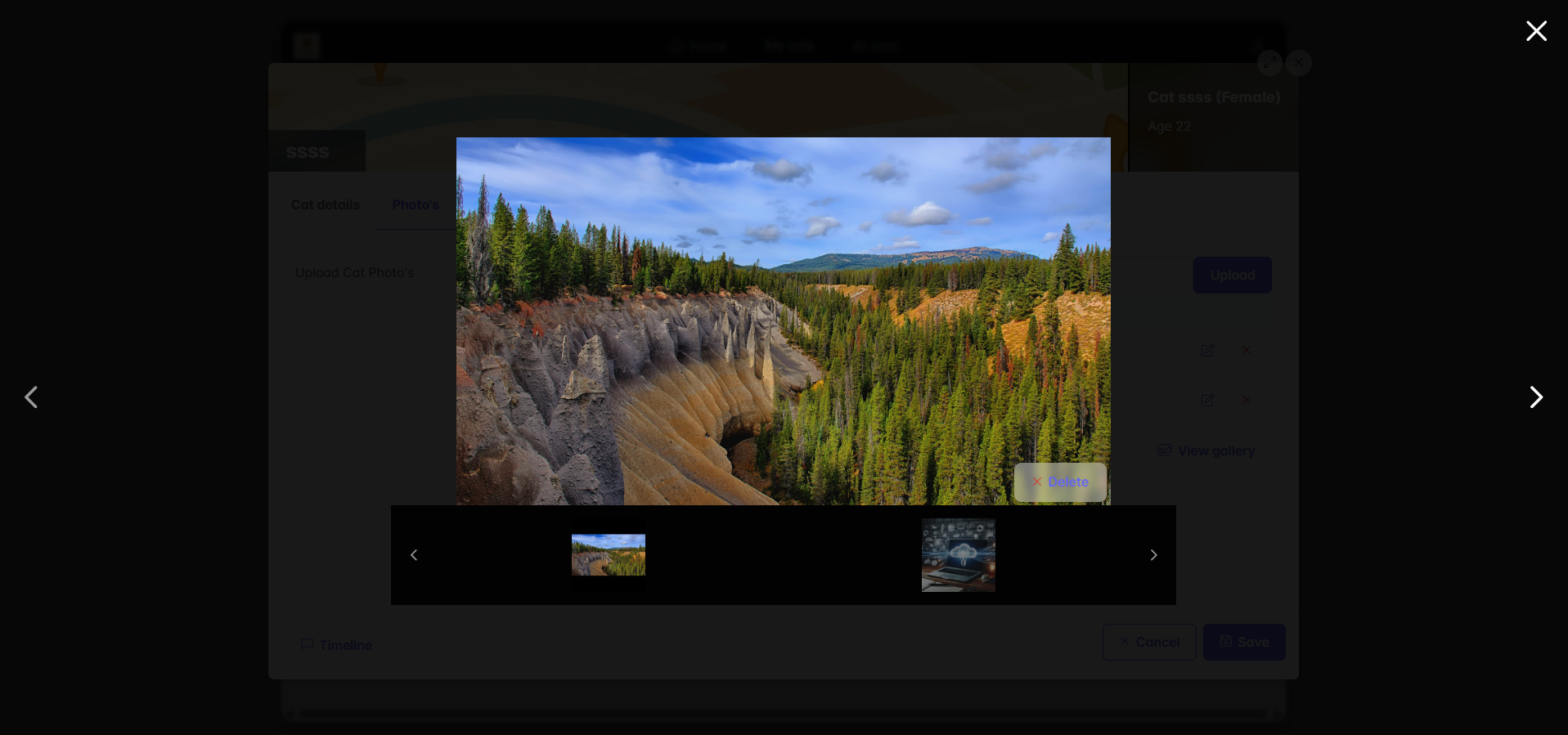
Added features - Page element link
Two options are added to the page element link:
- Hide linked element label - The label of the linked element will not be showed
- Linked element is readonly - The element will be readonly
Added feature - Table list user added
In addition to data columns such as Correspondence ID and Creation Date, the User Name has been added and can now be displayed as a column as well.
Added feature - Set data key on actions
For every action (such as a button click or a table action), a data key can now be specified so that specific data can be edited.
Examples:
- For a button, define which page should be opened with which data (for example, a customer selected on the screen).
- In a table, add a custom action that opens a specific page using the key from the table.
Improvements
- When a popup is displayed without a header, a Close icon is now shown in the top-right corner, and the background is blurred for better visuals.
- Several UI improvements
Bug fixes
- Fix: Rule based on a role is not always selectable
- Fix: Performance with global elements