Appearance
Release notes - 31 October 2024
New features
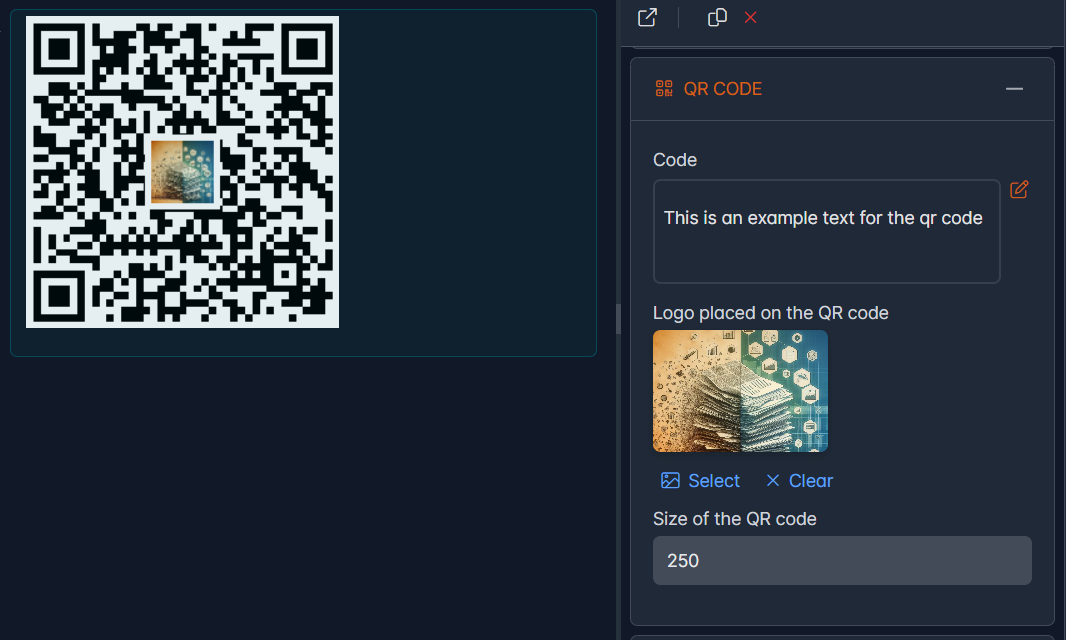
New: QR Code element
QR code element has been added. This allows QR codes to be created based on fixed text and/or answers from other elements. The QR code can optionally be provided with an image.
The QR codes can also be used in documents. This works identically as for all other elements.
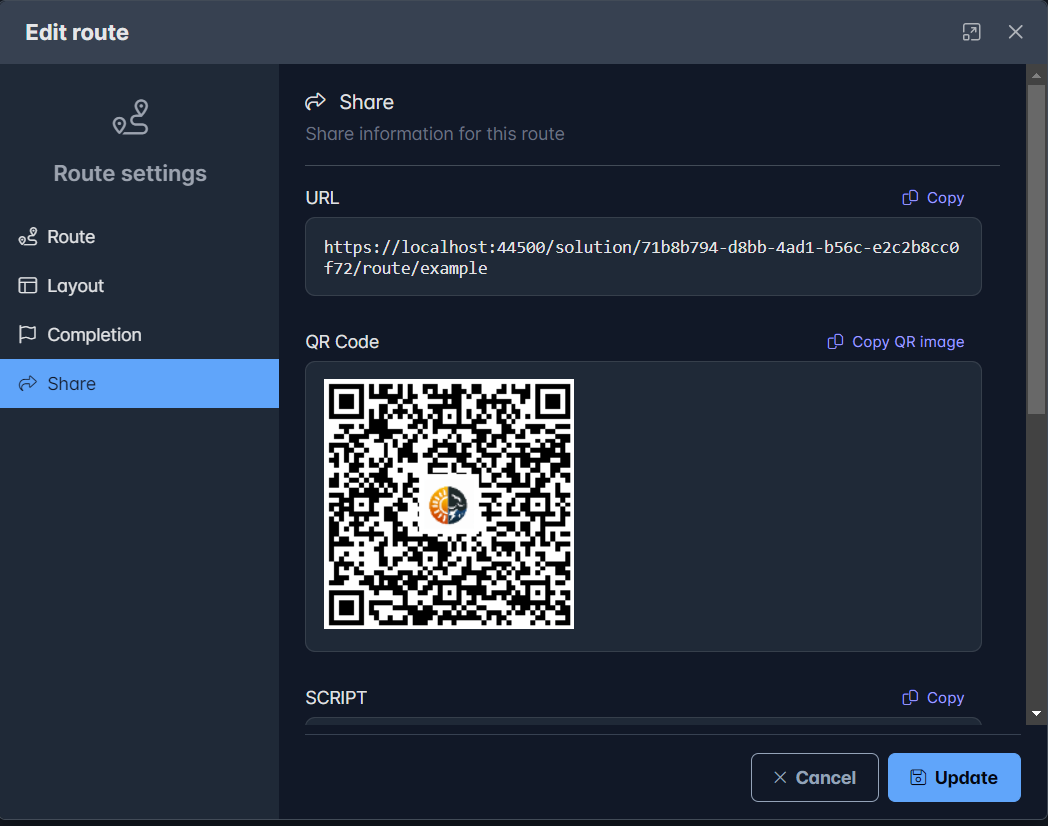
Added: Share with QR code
To share a route, the QR code has been added for convenience. The QR code can be copied with the 'Copy QR image' button and the QR code (image) can be pasted where it is needed, such as social media, a website or a poster/document
Added: Delete a folder
Folders could not be deleted. This has been added. The condition is that the folder must be empty before it can be deleted. Deleting a folder is identical to deleting a page: Right mouse button and then choose the Delete options from the menu.
Solved issues
Several known issues are solved.
| # | Issue |
|---|---|
| #48 | Slide min max is not applied (always 100) |
| #49 | Rules with a numerical value sometimes cause a storage problem |
| #50 | Document generation does not generate images |
| #51 | Image element is invisible in studio if no image is selected or if the image is configured based on another element |