Appearance
Release notes - 10 October 2024
New features
Single and multiple choice render layout
Lists with a single or multiple choice element (like a dropdown, radio set or checkboxes) were always separated by a comma. With the 'Render layout' option you can now select whether this should be shown with a comma, space or newline.
Single and multiple choice renderes images
It was not possible to use images or other non-text elements in a single or multiple choice element. This has been adjusted so that this is now possible.
Set page elements directly
If you used a button (or a click in a table etc) then it was possible to set parameters on the page that was called. You can now also set the value of an element directly so that you don't always have to use the parameters anymore.
Publish to my customers (DTAP)
The function to publish a solution has been added. This allows you to set up a DTAP (Development > Test > Acceptance > Production) street for each customer. You can also provide the environments with a unique URL and switch them on or off.
Overview of my customers 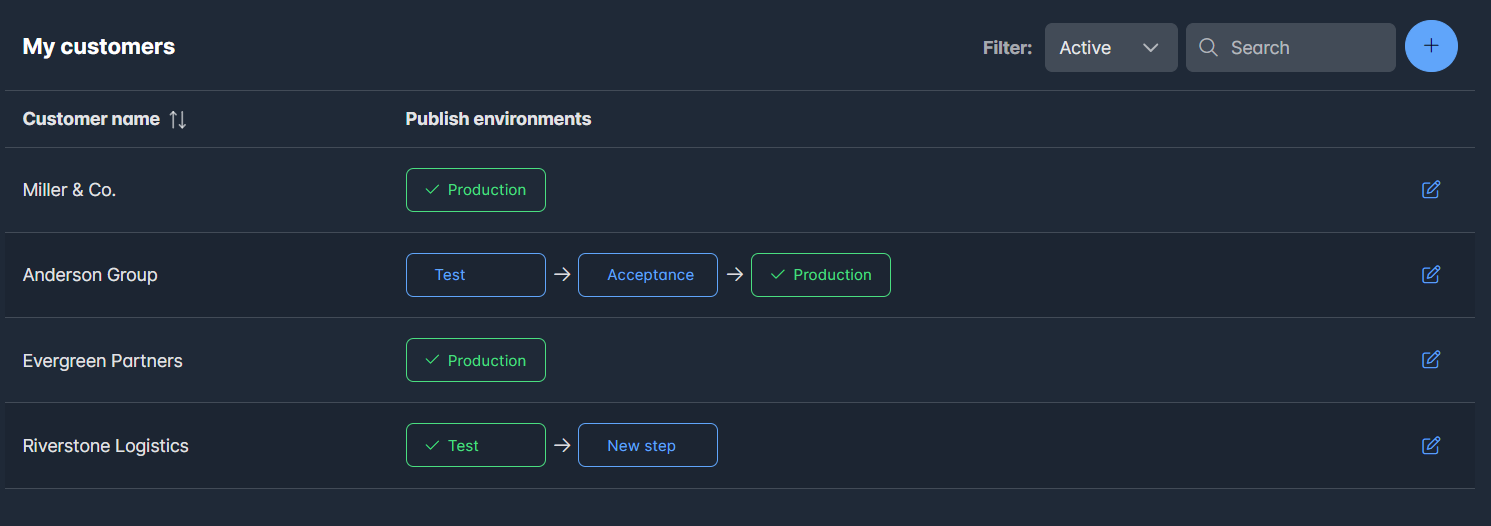
The publish environments shows the publish state. Pressing a state you can publish the environment.
Edit a customer environment 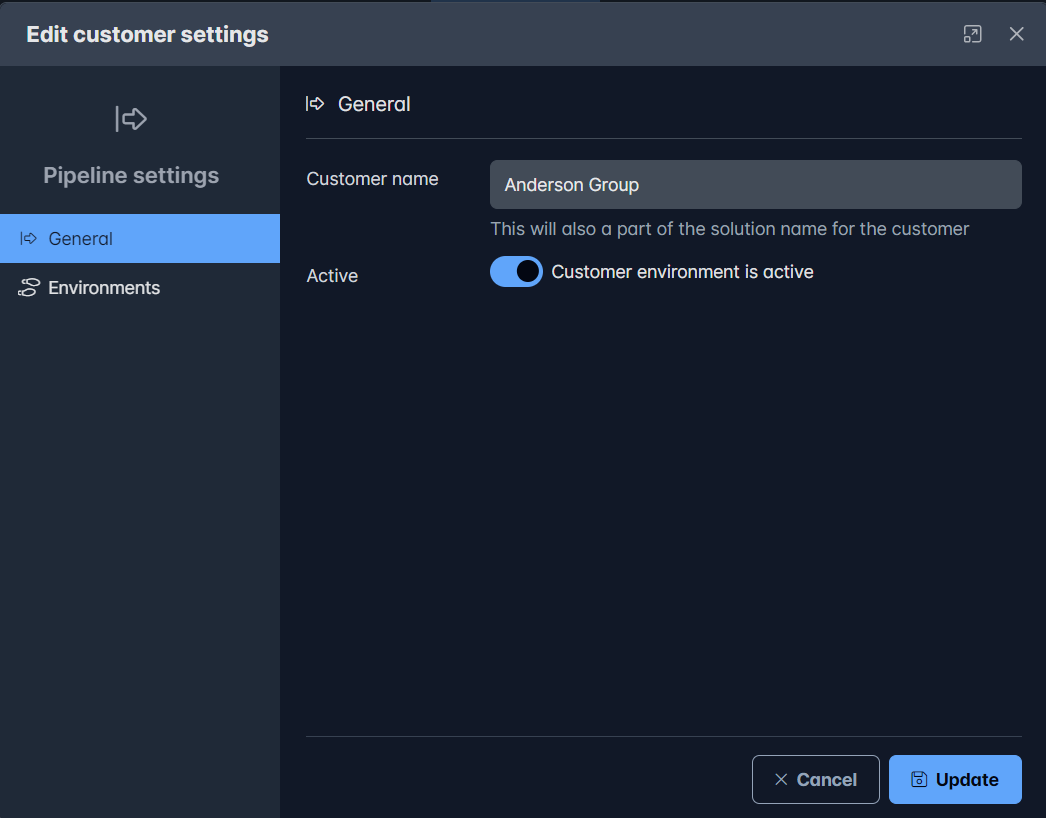
Manage the environments 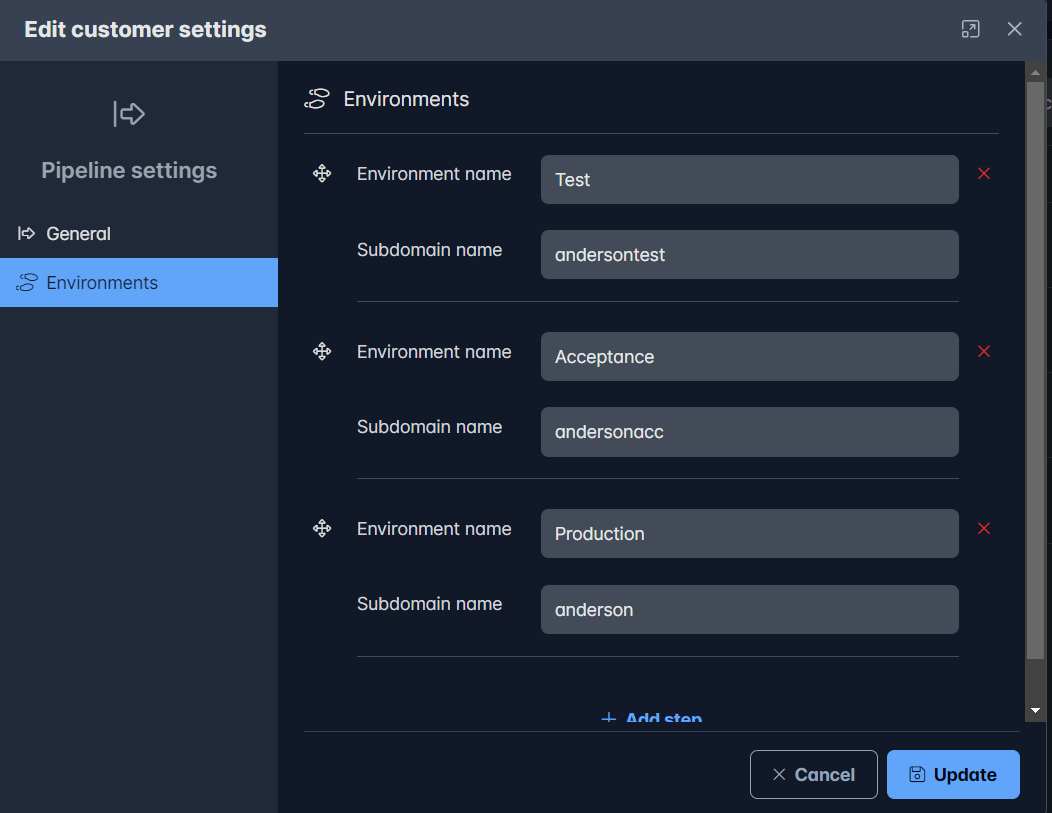
Edit solutions from solution overview
In the solutions overview it is now possible to edit a solution directly (name and images) if you are the owner. It is also possible to disable a solution.
Open pages as readonly
It is now possible to open pages readonly from a button or a table. This was already possible for popups, but is now also available for routing to other pages.
Solved issues
Several known issues are solved. More detailed information will follow in the next release notes.
| Issue | Description |
|---|---|
| #31 | Attachments field: readonly not showing the images |